
Managing a Mobile Workforce: Tips for Field Service Businesses
Running a field service business across multiple job sites is no easy feat. From coordinating tradies in the field to keeping customers happy, the challenges are real — but so are the solutions. Here's how Australian home service businesses can manage their mobile workforce smarter and get more done every day.
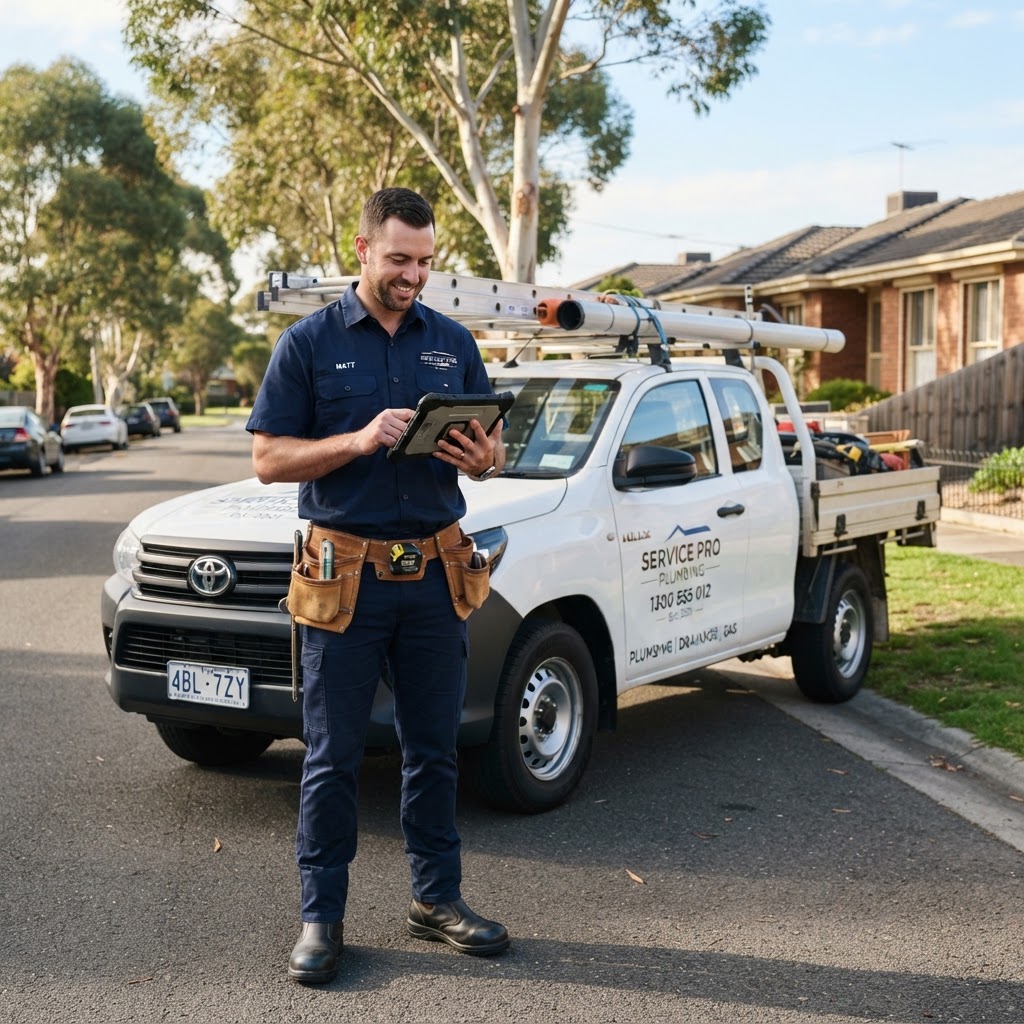
Managing a Mobile Workforce: Tips for Field Service Businesses
Running a field service business in Australia is a juggling act. You've got techs spread across suburbs, jobs changing by the hour, and customers expecting updates in real time. Get it wrong and you're losing money, losing clients, or both.
Why Managing a Mobile Workforce Is Harder Than It Looks
Most business owners get into the trade because they're good at the work. Plumbing, electrical, HVAC, landscaping. The hands-on stuff. Then the business grows, you hire a few people, and suddenly you're spending half your day chasing down where everyone is and what they've finished.
This is the reality for thousands of tradies in Sydney, Melbourne, and Brisbane right now.
The job isn't just technical anymore. It's logistical. You're coordinating schedules, managing customer expectations, tracking parts and invoices, and trying to figure out why your profit margins look worse than last year even though you're busier.
Good news is, most of these problems are fixable. Here's what actually works.
1. Get Your Scheduling Right First
Everything else falls apart if your scheduling is a mess. Before you look at apps or systems, just get clear on the basics.
- How many jobs can one tech realistically complete in a day?
- What's your average travel time between jobs in your area?
- Are you double-booking or leaving too many gaps?
A Melbourne HVAC company I know was booking five jobs a day per tech. Sounds productive. But once you factor in travel across the city, two of those jobs were always rushed or running late. They dropped to four jobs, added a buffer, and customer complaints dropped significantly within a month.
Start with honest numbers, not optimistic ones.
Buffer Time Is Not Wasted Time
A lot of business owners see gap time in the schedule and want to fill it. Resist that urge. A 20-minute buffer between jobs gives your tech time to finish properly, write up notes, and get to the next customer without rushing. Rushing leads to mistakes. Mistakes lead to callbacks. Callbacks are expensive.
2. Communication Has to Be Two-Way
Your techs need to be able to reach you easily. But you also need information flowing back from the field without having to call everyone five times a day.
This is where a lot of field service businesses break down. The owner or office manager becomes the bottleneck. Every update, every question, every job status change goes through one person. That doesn't scale.
Set up a simple system where techs can:
- Mark jobs as started, in progress, and completed
- Add notes or photos from the site
- Flag issues without waiting until end of day
It doesn't need to be fancy. But it needs to be consistent. If half your team uses WhatsApp and the other half calls in, you'll always be missing information.
3. Track Your Team Without Micromanaging Them
There's a difference between having visibility over your workforce and breathing down people's necks. Good tradies leave if they feel watched constantly. But you still need to know what's happening.
Location tracking through field service software gives you a live view of where everyone is. This is useful for:
- Sending the nearest available tech to an urgent job
- Giving customers accurate arrival times
- Reviewing routes at the end of the week to spot inefficiencies
A Brisbane plumbing business used GPS data to realise one of their techs was taking a consistently longer route to jobs in the northern suburbs. Not a major issue, but it was adding 30 to 40 minutes of drive time per day. That's fuel and hours you're paying for.
Be transparent with your team about what you're tracking and why. Most will appreciate the clarity.
4. Sort Out Your Invoicing and Payments in the Field
Waiting until end of day, or worse end of week, to invoice customers is leaving money on the table. It also creates confusion. The customer forgets exactly what was done. You're reconstructing job notes from memory or scraps of paper.
Train your techs to invoice on site as soon as the job is done. Mobile invoicing tools mean the customer gets something professional on their phone within minutes.
For Australian businesses, make sure your invoicing meets ATO requirements. That means:
- Your ABN on every invoice
- GST clearly shown if you're registered
- A clear description of work performed
- Payment terms that are actually stated
In the trade, it's common to see invoices with no payment terms at all. Then business owners complain about slow payments. Put "payment due within 7 days" on every invoice and follow up automatically if it's not paid.
5. Onboarding and Training Don't Stop After Day One
When you're busy, onboarding new people often means throwing them in the deep end. Here's the job, here's the van, good luck. That works sometimes. Often it doesn't.
A proper onboarding process for field staff should cover:
- Your customer service expectations (how to greet clients, how to handle complaints)
- Your documentation standards (photos before and after, job notes, checklists)
- Safety requirements specific to your trade and your state
- How to use your scheduling and invoicing tools
This doesn't need to be a week-long course. A clear checklist and a few hours shadowing an experienced tech goes a long way.
Safety Compliance Is Not Optional
In Australia, WHS obligations are real and the fines are significant. Whether you're working under SafeWork NSW, WorkSafe Victoria, or Workplace Health and Safety Queensland, the responsibility sits with the business. Your mobile workforce needs to understand this, not just you.
Simple things like toolbox talks, hazard identification forms, and incident reporting processes protect both your workers and your business.
6. Use Data to Make Better Decisions
Once you've got a system in place, you'll start generating data you weren't tracking before. Use it.
Look at:
- Which jobs take longer than quoted, and why
- Which techs have the highest callback rate
- Which suburbs or job types are most profitable
- How your job completion times change across different days of the week
A Sydney painting contractor found that Monday jobs consistently ran over time. After digging in, the issue was weekend communication gaps. Prep work wasn't confirmed on Friday so techs arrived Monday without all the materials they needed. One simple fix, a Friday afternoon check-in call, solved the problem.
Data without action is just noise. But patterns often point to very fixable operational problems.
7. Customers Expect More Than They Used to
Five years ago, customers in Australia were happy to get a rough window like "we'll be there between 8am and noon." That's no longer acceptable to most people.
Your mobile workforce management directly affects customer experience. When your scheduling is tight, your communication is good, and your techs arrive on time with the right parts, customers notice. They leave reviews. They refer friends.
When things go wrong, they also notice. A one-star Google review in your local area can cost you more than a bad job ever would.
Focus on:
- Automated appointment reminders the day before
- A real-time ETA sent to the customer when the tech is on their way
- A follow-up message or call after the job to check satisfaction
These are small touches. They take almost no time if you have the right tools in place. But they build a reputation that gets you more work.
8. Don't Try to Do This All Manually
Spreadsheets and whiteboards work up to a point. If you've got two or three people, maybe. Once you're past that, you need proper field service software. Not because it's the trendy thing to do, but because the admin load will crush you otherwise.
Look for tools that handle scheduling, job tracking, invoicing, and customer communication in one place. The less your team has to switch between apps, the more likely they are to actually use the system.
Start Putting This Into Practice
Managing a mobile workforce well is what separates tradies who stay small and stressed from those who build something sustainable. It's not about working harder. It's about having clearer systems.
If you're looking for a tool built for home service businesses, check out Onwork. It's designed to help Australian field service businesses manage jobs, schedule teams, and keep customers in the loop, all in one place. Worth a look if you're ready to stop running things out of your head and start running them properly.
Disclaimer: It is the user’s responsibility to verify the information in this article and seek professional advice where appropriate. Onwork provides this content for general informational purposes only and does not accept responsibility for decisions made based on it.